Breakpoint Viewer
See which CSS breakpoint is active on any website
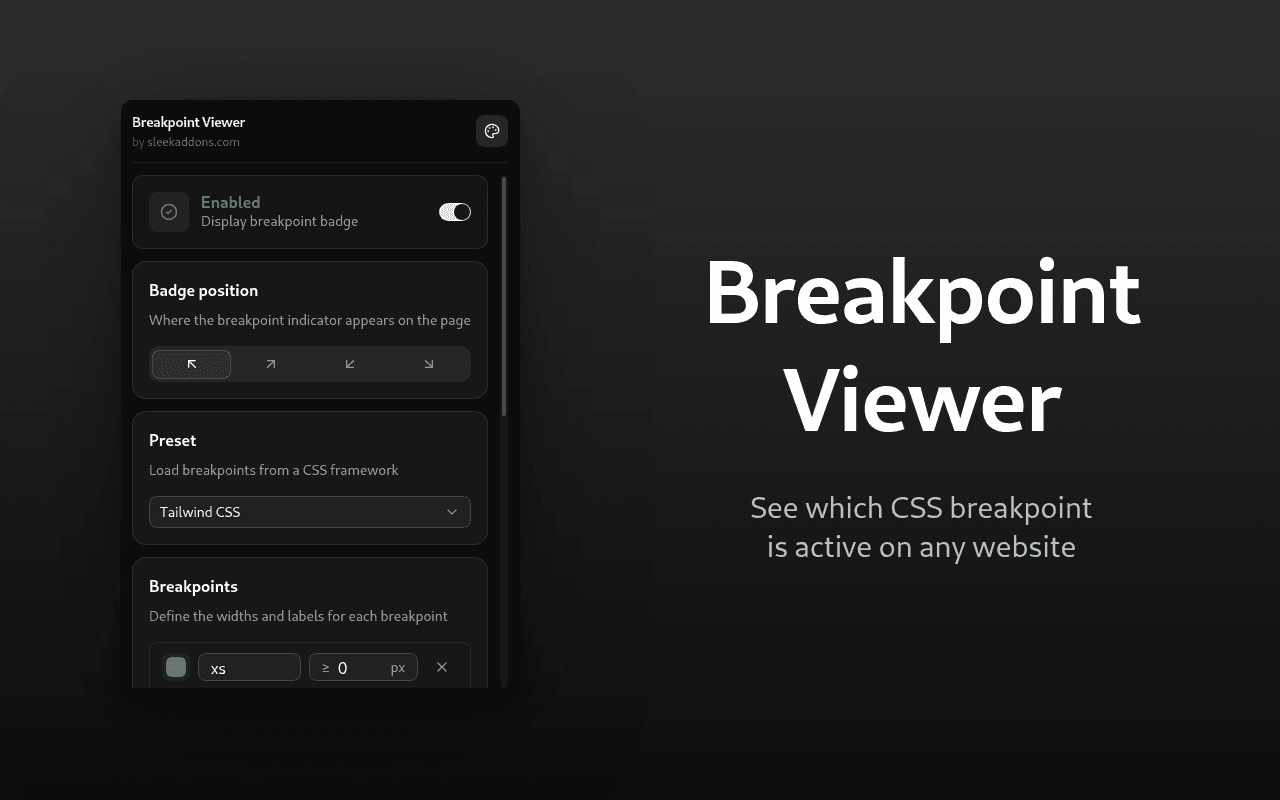
See which CSS breakpoint is active on any website. A small badge appears in the corner of the page showing the current breakpoint name, its minimum width, and your actual viewport width in pixels. The badge updates instantly as you resize the browser window.
How it works
Install the extension and open any website. A small badge will appear in the corner of the page. As you resize the window, the badge updates in real time to show which breakpoint is currently active. Pick a preset for your CSS framework or set up your own custom breakpoints.
Features
- Displays the active CSS breakpoint, its min width value, and the current viewport width
- Ready made presets for Tailwind CSS, Bootstrap, Bulma, and Foundation
- Custom breakpoints with full control over names, widths, and colors
- Badge position in any corner of the page
- Allowlist and blocklist for site level control over where the badge appears
- Updates in real time as you resize the window
- Lightweight and does not interfere with page content
- Works on any website
Who is this for
Frontend developers and designers who build or test responsive websites. Instead of guessing or manually checking your CSS, this extension gives you that information at a glance right on the page.
Why install it
Small, fast, and stays out of your way. No account needed and no data leaves your browser.